Flip a House Wiki Tools & Helpers
Practical Flip a House helpers—start with the session flip checklist.
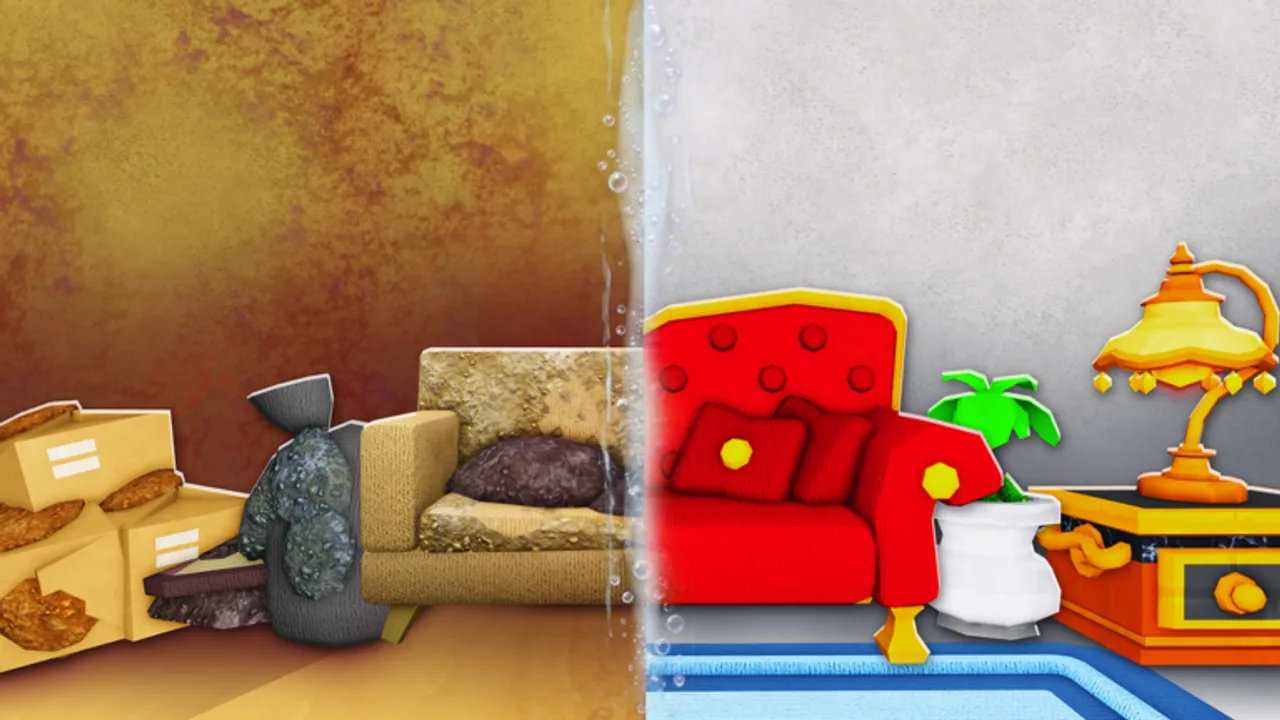
The Tools hub collects practical helpers for Flip a House! players who want repeatable sessions instead of vibes-based grinding. These pages are wiki utilities—not in-game shop SKUs. For broom versus vacuum rankings, use the Tools Tier List. For hands-on loop practice, stay here.
Featured helper
- Flip Checklist — A session-by-session routine covering pre-flip → clean → furnish → sell → reinvest. Featured because it turns the genre loop into a habit you can run solo or in co-op with up to four players.
Print it mentally (or keep the tab open) whenever you join a server after a break.
How to use wiki tools with guides
- Warm up controls via Controls if you switched devices.
- Run the Flip Checklist on a small house.
- Consult Cleaning Tips when a surface type stalls you.
- Spend profits using Make Money Fast and the Furniture Tier List.
- Recheck Changelog if the shop feels different than last week.
That pipeline keeps helpers honest: checklists do not replace guides; they sequence them.
Why checklists beat memory in Flip a House
The fantasy invites tunnel vision—players vacuum one bathroom for ten minutes while the living room still has trash bags. A written order prevents that. It also helps co-op lobbies assign roles without arguing every spawn. When someone asks “what now?”, point at the current checklist phase instead of reinventing the plan.
What will not appear here
- Script executors, auto-farm pastes, or exploit “tools”
- Unverified promo code generators
- Fake Discord invite walls
Official links and community discovery tips live on the Links Hub. Economy truth-seeking stays in guides and tier lists.
Building your own session kit
Advanced players often keep three tabs: this Tools hub, the active checklist, and either a tier list or selling guide. Mobile players may prefer a single checklist tab plus voice callouts. Console players hosting friends should read the checklist aloud at phase changes so nobody furnishes a dirty room.
Suggested weekly rhythm
Treat Flip a House like a short sport season, not an endless AFK job:
- Session A — Checklist only on small houses; bank cash; no luxury décor.
- Session B — Spend on vacuum-class or scrub upgrades; re-run checklist to feel the speed gain.
- Session C — Stage with S-tier furniture packages; compare sell offers to Session A.
- Session D — Attempt one larger house only if clears no longer stall; abort early if the team under-tools it.
Between sessions, skim the Updates Hub so a silent shop tweak does not ambush your plan. If Roblox shows a fresh update stamp, demote yourself back to Session A for one house.
Solo vs co-op helper use
Solo: Keep the checklist visible and force yourself to leave a room once it is dry. Solo players over-clean; the helper’s job is to push you into furnish and sell.
Co-op (2–4): Assign phase captains. The checklist becomes a shared agenda: trash captain calls when floors are clear, detail captain calls “dry,” staging captain owns furniture buys, and anyone can call “hold buy” before a sell resolves. Helpers exist to reduce debate time, not to replace communication.
Measuring whether a helper worked
After three checklist runs, ask:
- Did average flip time drop?
- Did you stop furnishing dirty rooms?
- Did upgrade buys follow efficiency-first logic?
If the answer is no, you are skimming the helper instead of obeying it. Re-read Getting Started and run one house with zero shop browsing until sell.
Next steps
Open the Flip Checklist before your next Roblox session, then return here when we add more calculators or planners. Until then, the checklist plus Getting Started is enough structure for clean profit loops. When you need official destinations or Discord discovery rules, hop to the Links Hub.
Frequently Asked Questions
Quick answers for Flip a House players.
Are these the same as in-game cleaning tools?
No. This hub is for wiki helpers like checklists. In-game gear rankings live on the Tools Tier List.
Which helper should I open first?
The Flip Checklist—run it every session until the clean → furnish → sell → reinvest order is automatic.
Do you host scripts under Tools?
No. We do not publish exploit scripts. Stick to normal Roblox gameplay.
Can co-op teams use the checklist?
Yes. Assign each phase owner (trash, detail clean, stage, sell call) and advance together.